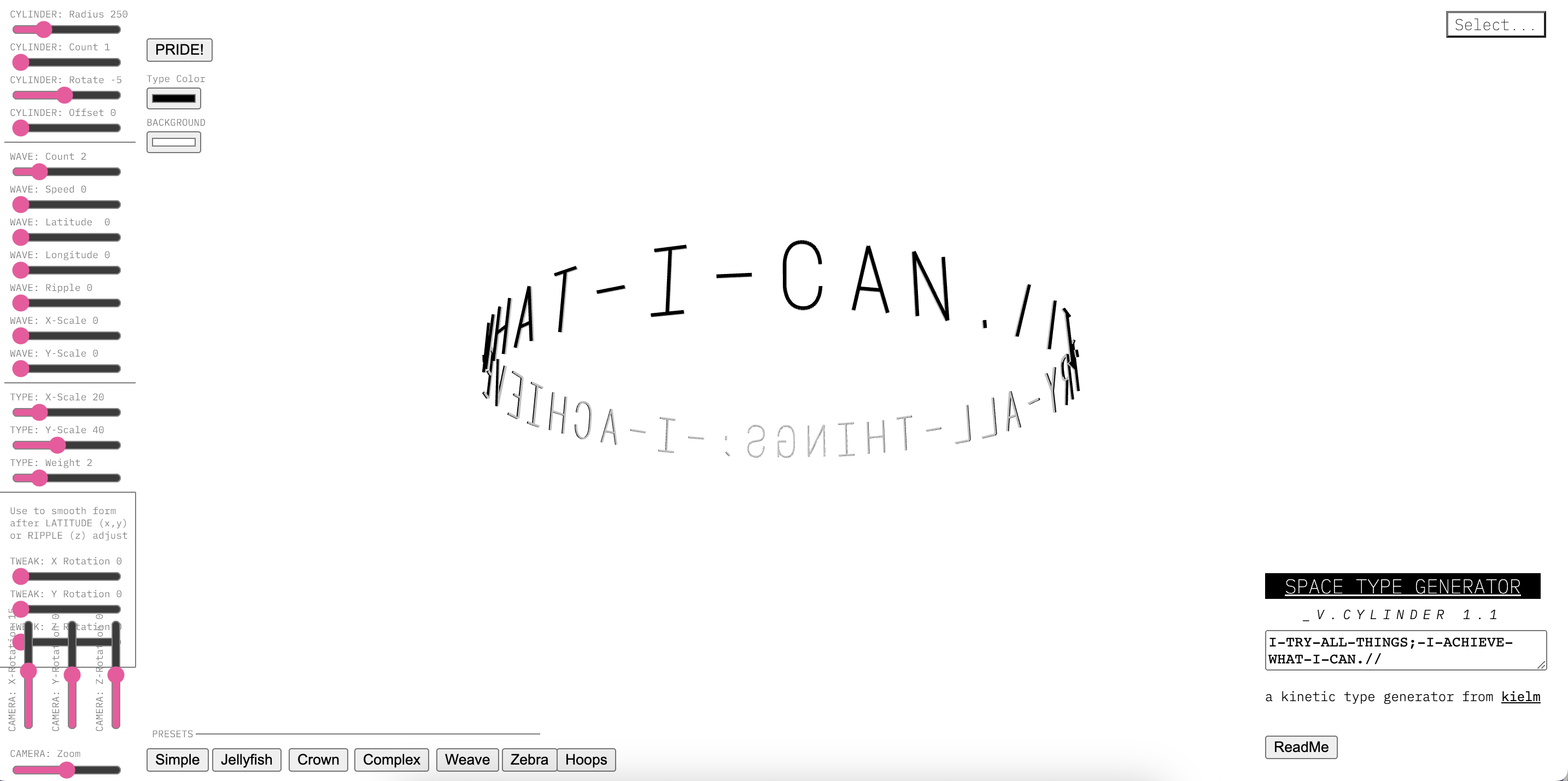
think the site is divided into three main broad areas.
1: the moderation area.
People can customize their desired font model's shape, size, and angle by adjusting all the values in the adjustment area.
2: Input area.
You can customize different font shapes by inputting the text you want to express in the input area.
3:The display area.
The largest area of the screen is the display area. The display area clearly shows the final composite graphic to the user.
I really like this site, it's a great way to see a lot of different shapes of fonts quickly compared to having to adjust the size,
design, and orientation of fonts on your computer over and over again. Although the site doesn't seem to be difficult to structure,
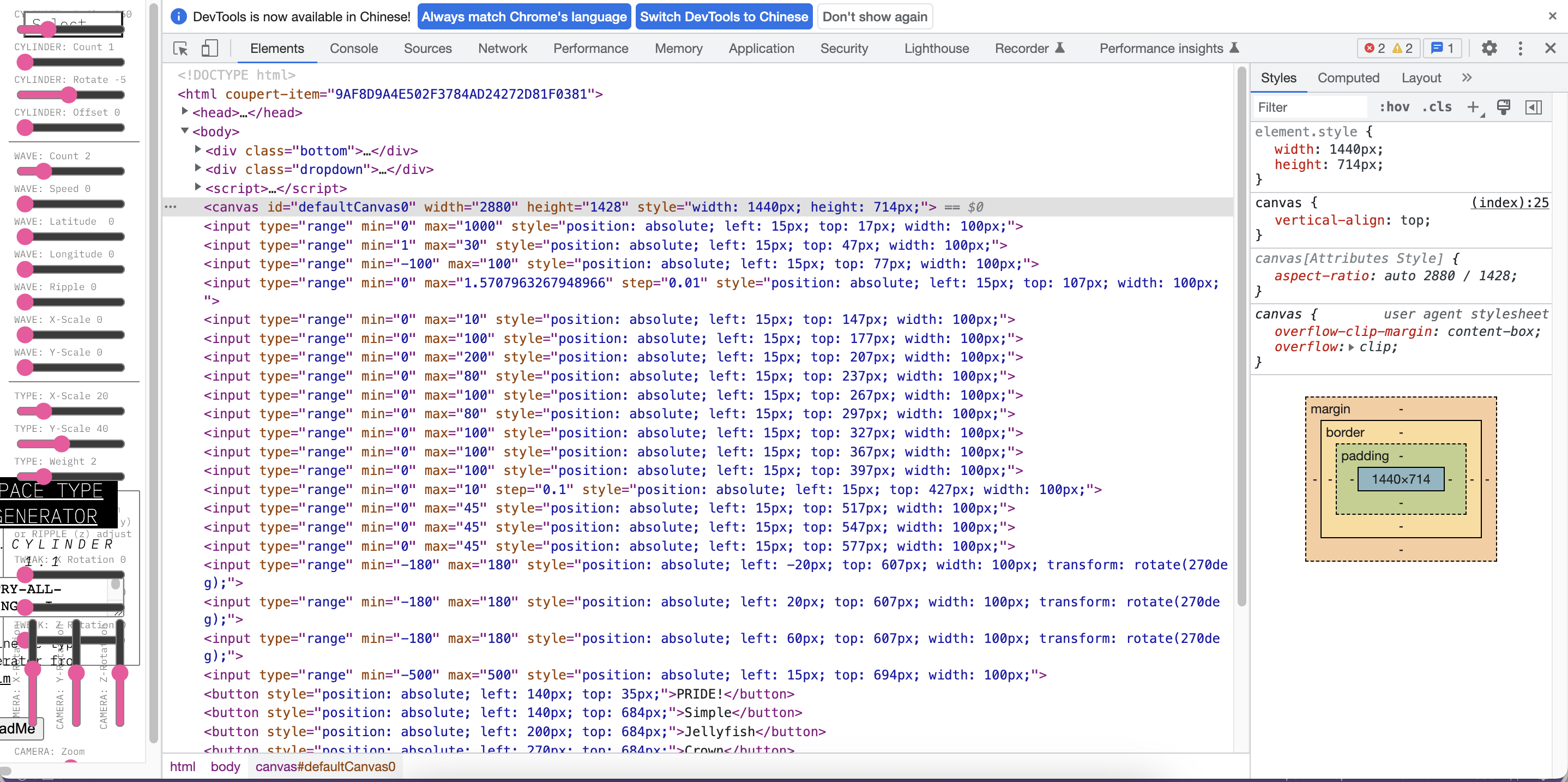
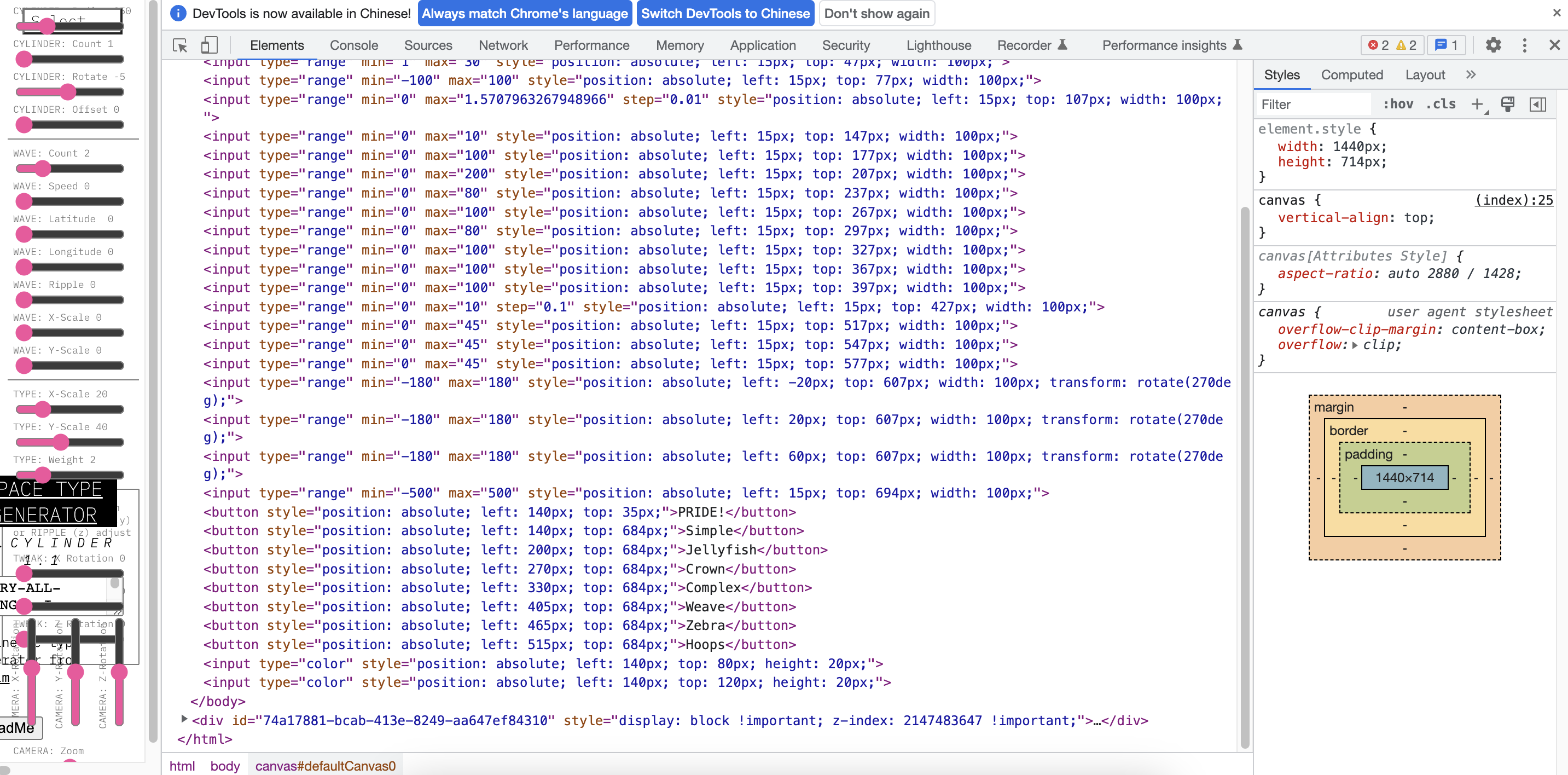
I am curious about how to input user-defined content into the site, and how we can achieve this effect.